
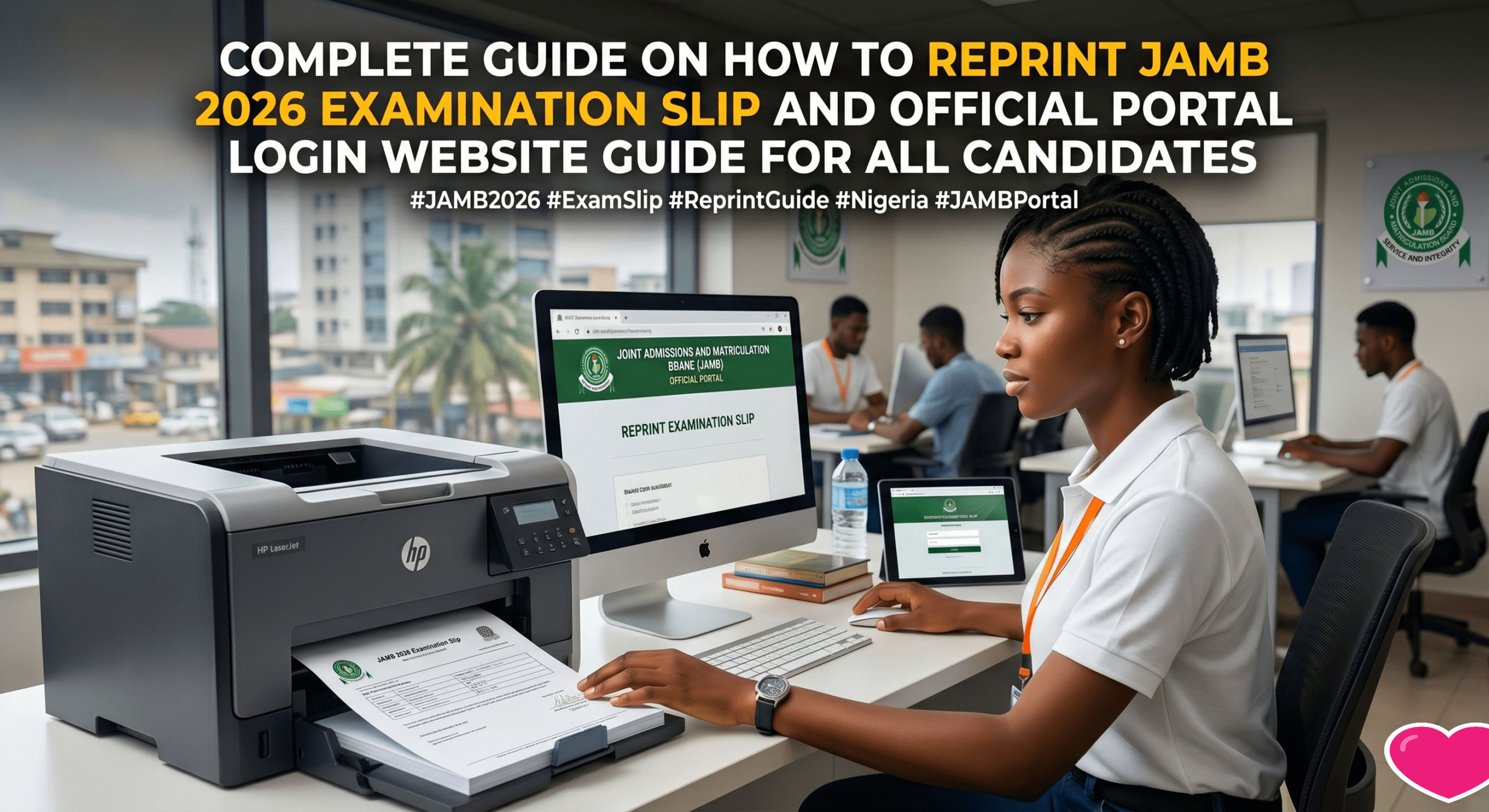
Complete Guide On How To Reprint JAMB 2026 Examination Slip And Official Portal Login Website Guide For All Candidates
Welcome back to Jobviza. If you registered for the Joint Admissions and Matriculation Board exam this year then this massive update is exactly what you need. Almost every student in Nigeria is currently looking for the exact date and time they will write their exam.
The Jamb-board has officially announced that the portal for printing examination slips is fully open. You cannot enter the CBT center if you do not have this paper in your hand. This paper contains your exact exam venue the date and the time you are supposed to arrive.
This is a very solid opportunity for you to get your details early so you can locate your center before the actual day. Let me show you the simple steps to get it done without paying any cyber cafe or making mistakes.
JOB OFFER: Top NGO Vacancies in Nigeria 2026 Apply for PSI Country Operations Technical Project Advisor
The Official JAMB Portal Login Websites For Candidates
There are many fake links circulating on WhatsApp groups right now so you have to be very careful. To check your exam details you only need to use the official websites provided by the board.
-
Main JAMB eFacility Portal Login: This is the main dashboard where candidates log in with their email and password to accept admission or check results. The direct link is https://efacility.jamb.gov.ng
-
Direct JAMB 2026 Slip Printing Portal: This is the exact direct link students are rushing to right now to print their exam date and venue. They only need to put their registration number here. The direct link is https://slipsprinting.jamb.gov.ng/PrintExaminationSlip
-
General Services Portal: This is for other registrations and CBT center services. The direct link is https://portal.jamb.gov.ng
How To Reprint Your Slip On Your Phone Using The Direct Link
You do not need a computer to check your date and venue. Just follow these simple guidelines using your smartphone.
-
Open your Google Chrome browser on your phone or any browser at all on your device
-
Type in the official slip printing link https://slipsprinting.jamb.gov.ng/PrintExaminationSlip on your browser.
-
Once the page opens look for the section that asks for your registration number.
-
Type your exact JAMB registration number or the phone number you used to register.
-
Click on the print examination slip button.
-
Your full details will show on the screen immediately.
-
Save the page as a PDF file on your phone.
After saving the PDF you can now walk into any business center and pay them a small amount to print it out on a piece of paper. Always print two copies so you can leave one at home for backup just in case you misplace the first one.
If you check the portal and it tells you that your exam center has not been allocated yet do not panic. The system uploads the names in batches so just check back after twenty four hours and your details will surely drop.
Important Rules For The Exam Day You Must Not Ignore
Before you rush to your center please remember these strict rules so they do not cancel your result.
-
Do not bring your mobile phone or any smart wristwatch to the venue.
-
Make sure you arrive at least one hour before the time written on your slip.
-
You must use your thumbprint to sign in before they allow you to sit down.
-
Dress very neat and avoid carrying big bags to the examination hall.
Share this huge news with your friends so they can print theirs too. If you are having any issues logging into the efacility portal just drop your questions in the comment section and we will guide you.
JOB OFFER: Palmpay recruitment 2026 – KYC Analyst apply here
Complete Guide On How To Reprint JAMB 2026 Examination Slip And Official Portal Login Website Guide For All Candidates
Discover more from Jobviza - Latest Jobs, Recruitment & Scholarships in Nigeria
Subscribe to get the latest posts sent to your email.