
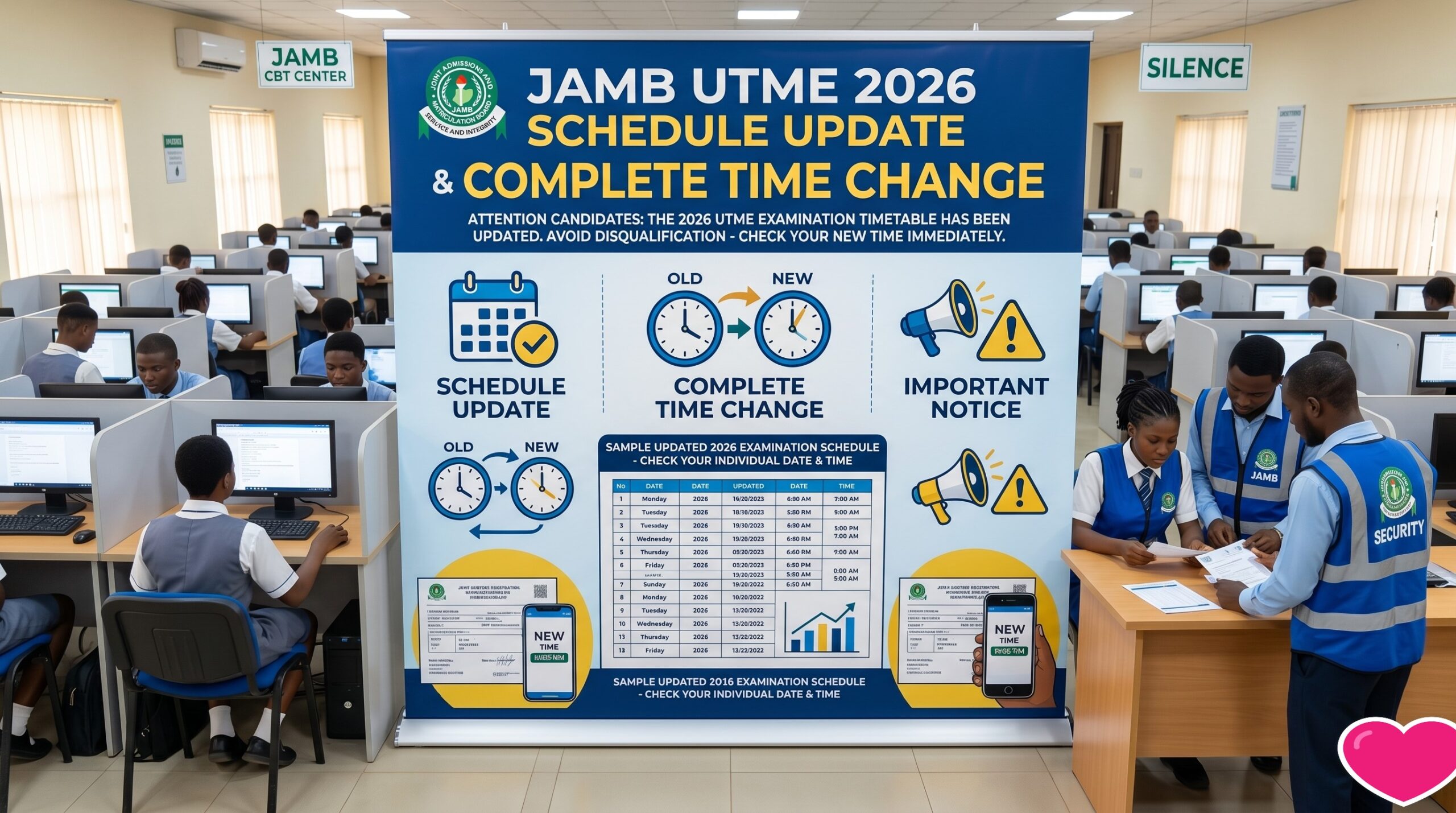
Every UTME season, JAMB candidates see posts with words like “schedule update” or “time change”, and many of them panic. This guide explains how to check for a real change, what to do with your examination slip, and how to avoid the mistakes that cost candidates their seat or their exam.
We have not published a specific date or session time in this article. Dates move, and the only source that should set your timetable is the official JAMB site. If you cannot find a date on that site, check it again later rather than trusting a date from a forum, a message group or an old post.
How to check for a real schedule change
Start with the official JAMB website at jamb.gov.ng. Look for the news, events or announcements sections, and the exam calendar if one is published. An announcement from JAMB will name the exam year, the session and the change that applies. If a post does not name those things, treat it as unconfirmed.
Be careful with screenshots. Images get edited, and a message saying “JAMB has changed the time” can circulate for weeks after it stops being true. Compare any claim against the official site before you act on it.
Your examination slip is the document that counts
Once registration closes and the timetable is set, your examination slip shows your assigned date, reporting time and centre. JAMB can adjust sessions, so the version you print closest to the exam is the one to trust. Do not rely on a slip printed weeks earlier if an update has since been announced on the official site.
The reporting time on your slip is the real deadline. It is earlier than the exam start time, because centres use that window to verify candidates before the session begins. Candidates who arrive at the exam start time often find the gate already closed.
How to get or reprint your slip
- Log in to the official JAMB candidate portal using the email address and password you registered with. Use the link shown on the official JAMB website, not one sent to you by a stranger.
- Open the examination slip option and confirm your date, time and centre against what you expected.
- Print a clear copy in colour if you can, and keep a phone photo as a backup.
If you cannot log in, reset your password through the official portal. If the portal does not show your slip, raise a ticket through the support channel listed on the official JAMB website and keep a record of your complaint. For the full printing steps, read our guide on how to reprint your JAMB 2026 examination slip.
What to do if the schedule changes after you print your slip
JAMB sometimes moves sessions or centres. If an update is announced on the official site after you printed your slip, reprint it and use the new copy. Do not assume the old slip still works just because you printed it first.
Write the new date, time and centre on a note and stick it to your slip, so the centre staff and you are reading the same details. Then check the centre address on a map and work out how long the journey will take at the time of day you will travel.
Keeping track of your registration after you apply
One practical habit helps a lot. Check the official JAMB site once a week during registration, and again in the final fortnight before the exam. Most candidates look once, when they register, and then miss an update posted later. A weekly check takes a minute and protects you from losing a seat.
Keep a short record of your own too: your registration number, the centre you were assigned, and the dates you saw on the official site, with the date you saw them. If a centre official questions your details, that record is far easier to explain than a memory of what you read.
If you are a parent or teacher helping a candidate, do the checks together and write the official details down in one place. Confusion usually starts when three people in a family group chat each remember a different date.
What to bring and what to leave at home
- Your printed examination slip showing your date, time and centre.
- A valid means of identification as stated by JAMB on the official site.
- Nothing on the banned list, since prohibited items can get you disqualified.
Leave phones, bags, watches and any writing material at home or with someone outside, unless the centre clearly allows otherwise. Read the full list in our guide to the JAMB UTME 2026 banned items before exam day. It is far easier than risking a problem at the gate.
Pay attention to the wording of any notice you read. A genuine JAMB announcement names the exam year, the session and the centre group it applies to. A notice that is vague about all three, or that tells you to act within an hour, is a warning sign. Take a breath, check the official site, and ask someone you trust to read it with you before you change any plans.
A scam to watch for
Some people send messages promising a “new JAMB date” or a “priority slot” for a fee, or ask you to pay to change your centre. JAMB does not sell schedule changes or priority slots through private messages, so treat any such offer as a scam. If anyone asks for money to move your date, refuse, and check the official JAMB website and its published contact channels before you send anything.
The week before your exam
Turn your attention to logistics, because many candidates lose marks to avoidable stress rather than difficulty. Confirm your centre’s exact location, plan your transport, and have a backup in case of trouble on the road. If the centre is far, leave earlier than you think you need to.
If you can, visit the centre area a day early. Unfamiliar locations are how punctual candidates still end up late.
On exam day
Arrive well before the reporting time, settle your nerves and listen carefully to the instructions the officials give. The CBT system is straightforward once you start, so do not let the queue or the crowd rattle you. If something goes wrong with your system during the exam, alert an official immediately rather than struggling in silence.
Before you travel on exam day
Pack the night before, not the morning of. Put your examination slip, a valid means of identification and a pen in one clear place, and check that nothing on the banned list is in your bag. Carry only what the centre allows, and keep the bag closed at the gate if staff ask you to. A short checklist taped inside your door is a simple way to avoid last-minute panic.
Eat something light and sleep at a reasonable hour. Candidates who start the exam tired often lose more marks than they expected, and a rushed morning raises the chance of a missed step at the centre. Plan the journey with a margin for traffic, fuel queues and delays on the road, because those are the common reasons a candidate reaches the gate late.
Quick questions
Is the reporting time the same as the exam time? No. The reporting time is earlier, and it is the deadline you should plan around.
Should I reprint if the schedule changed? Yes, if an update has been announced on the official JAMB site. Always carry the most recent version of your slip.
Can I trust a date I saw on social media? Only if the official JAMB site confirms it. Otherwise, check the official site.
Where to read next
If you want to know what happens after the exam, read our guide on how to check your JAMB result online. For the result release timeline, see JAMB 2026 UTME result release date and how to print your original slip.
Related guides
- Complete List Of JAMB UTME 2026 Banned Items You Must Not Bring To Your CBT Center To Avoid Disqualification
- Complete Guide On How To Reprint JAMB 2026 Examination Slip And Official Portal Login Website Guide For All Candidates
- JAMB 2026 UTME Exams Officially Begin Nationwide And Direct Entry Deadline
- WAEC Recruitment 2026: How to Apply Safely on the Official Portal
Reviewed by Miles Obi, Careers and Scholarships Editor at Jobviza.
Keep checking the official JAMB portal for the latest notices, and confirm any date or fee there before you act on it. Screenshots of unofficial posts are not proof of a change.
Discover more from Jobviza
Subscribe to get the latest posts sent to your email.