
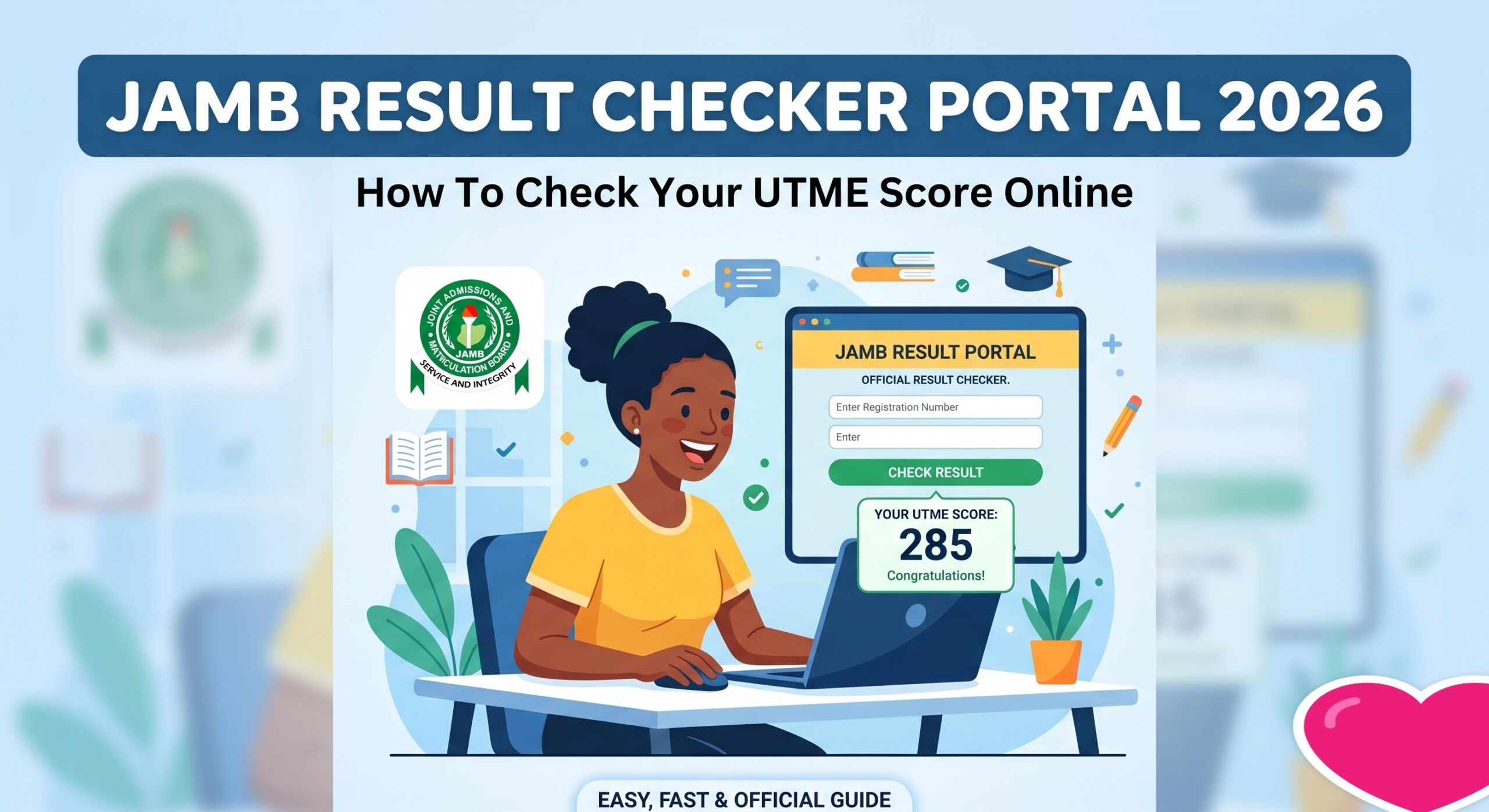
Most of a candidate’s JAMB admissions journey runs through one place: the eFacility portal. If you understand what it is and how to get into it cleanly, you avoid a lot of the drama that shows up every result season.
What the eFacility portal is
eFacility is JAMB’s candidate dashboard, the official efacility.jamb.gov.ng portal where you check your UTME score, print documents, and manage parts of your admission. It is tied to the profile you created during registration, using the email and password you set then.
Logging in without stress
- Use the exact email address you registered with; a different email will not find your record.
- If you have forgotten your password, use the official reset option rather than creating a new profile.
- Access the portal at off-peak times, it slows badly in the first hours after results drop.
Common portal problems
Most “the portal is not working” complaints are really traffic or login issues, not a lost result. If a page fails to load, wait and retry rather than refreshing repeatedly. And never hand your login to a “cyber cafe helper” who promises to sort it, that is how profiles get hijacked.
After you have checked your score, see how to print your original result slip and, if needed, how to handle a change of course or institution.
Set up your profile so you never get locked out
Most portal drama comes down to login trouble, and nearly all of it is avoidable. Save the exact email and password you used at registration somewhere safe, along with your JAMB registration number. Make sure the email is one you can actually access, because password resets and official notices go there. If your phone number has changed, be aware that the profile still ties back to your registered details, so keep that information handy. A little record-keeping now saves hours of panic during result season.
What you can do on eFacility
- Check your UTME score once results are released.
- Print your result slip and other documents you need for admission.
- Manage parts of your admission process tied to your profile.
- Access correction or support options through the official route.
Knowing what the portal is for helps you avoid paying someone to do what you can do yourself in a few minutes.
Staying safe from portal scams
Result season brings out people who promise to check, upgrade, or fix results for a fee. None of that is real, and handing over your login is how profiles get hijacked. Type your own password, log out when you finish, especially at a business centre, and never share your details. If you hit a genuine problem you cannot solve with the official reset, go through JAMB’s own support rather than a stranger online.
Questions people often ask
I forgot the email I registered with, what now? Use the official recovery option rather than opening a new profile. A second profile splits your records and causes problems during admission.
Is it safe to use a business centre? Only if you type your own password and log out afterwards. Never hand your login to someone who offers to ‘sort it’ for you.
A practical tip
Access the portal at off-peak times. It slows badly in the first hours after results drop, and most ‘the portal is down’ complaints are really traffic. If a page fails, wait and retry rather than refreshing repeatedly or handing your login to a stranger.
If you genuinely cannot get in after the official reset, raise it through JAMB’s own support channels rather than a random ‘agent’, who is far likelier to scam you than help.
Related guides
- Check JAMB Result 2026 Online: Official Step By Step Guide
- JAMB 2026 UTME Result Release Date And How To Print Original Slip
- JAMB 2026 Original Result Slip: Why You Cannot Print It Yet And When The Portal Opens
- Complete Guide On How To Reprint JAMB 2026 Examination Slip And Official Portal Login Website Guide For All Candidates
Reviewed by Miles Obi, Careers and Scholarships Editor at Jobviza.
Discover more from Jobviza
Subscribe to get the latest posts sent to your email.